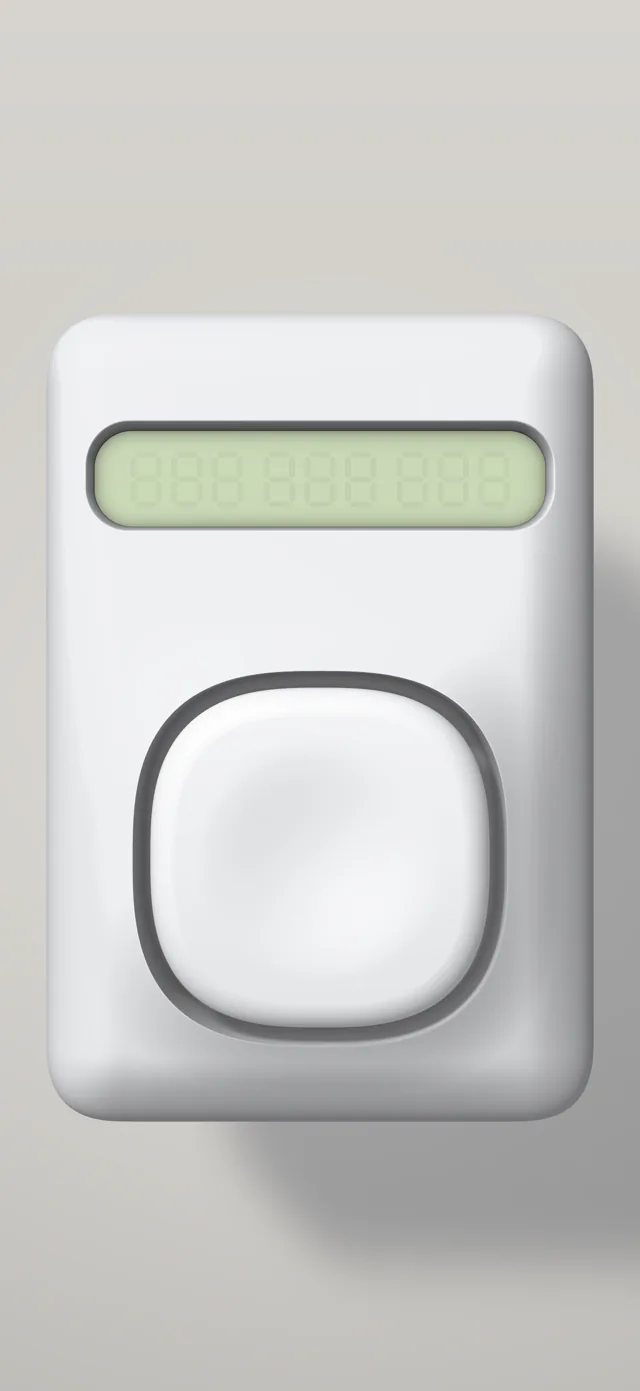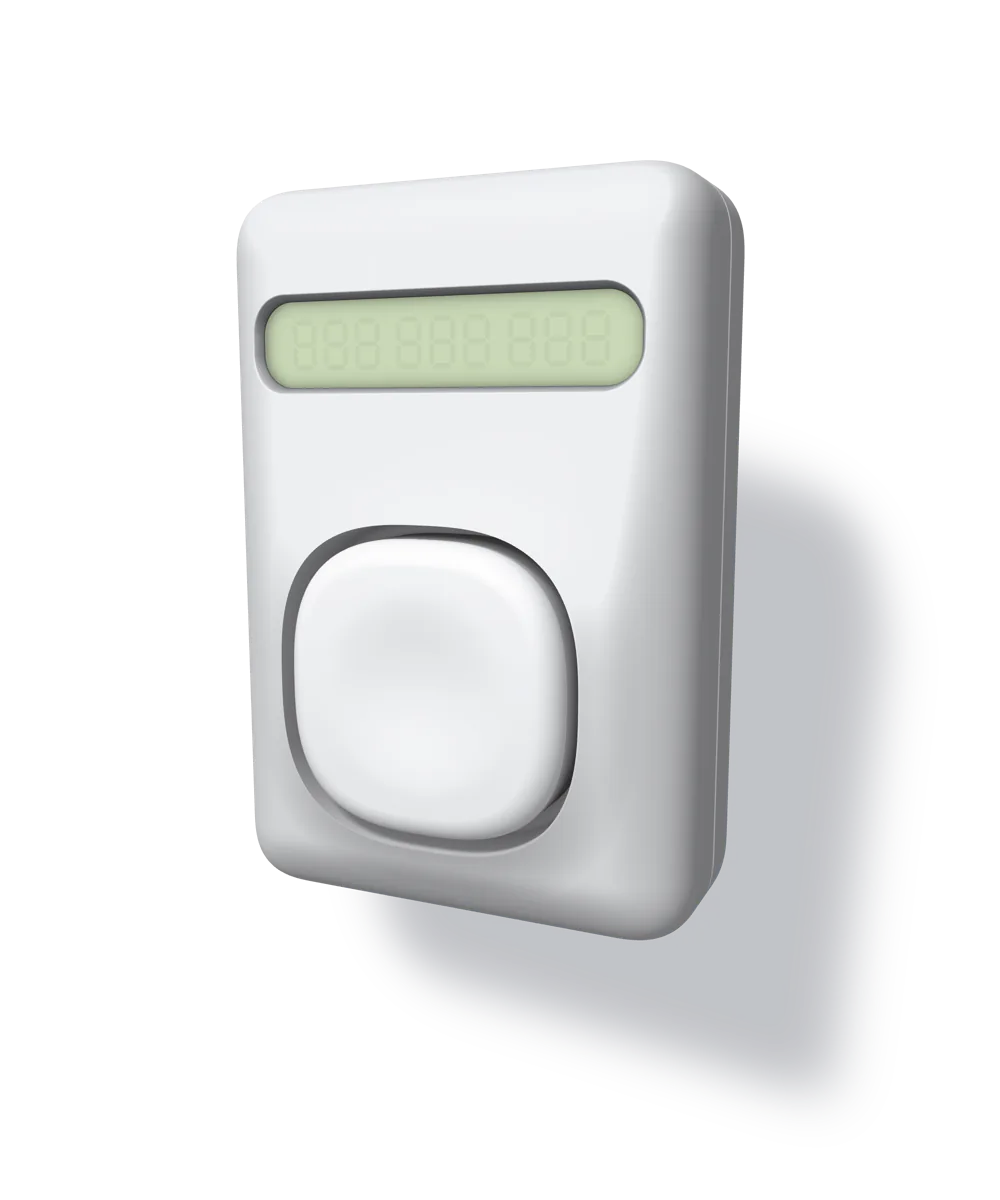
Made of light. Behaves like a thing.
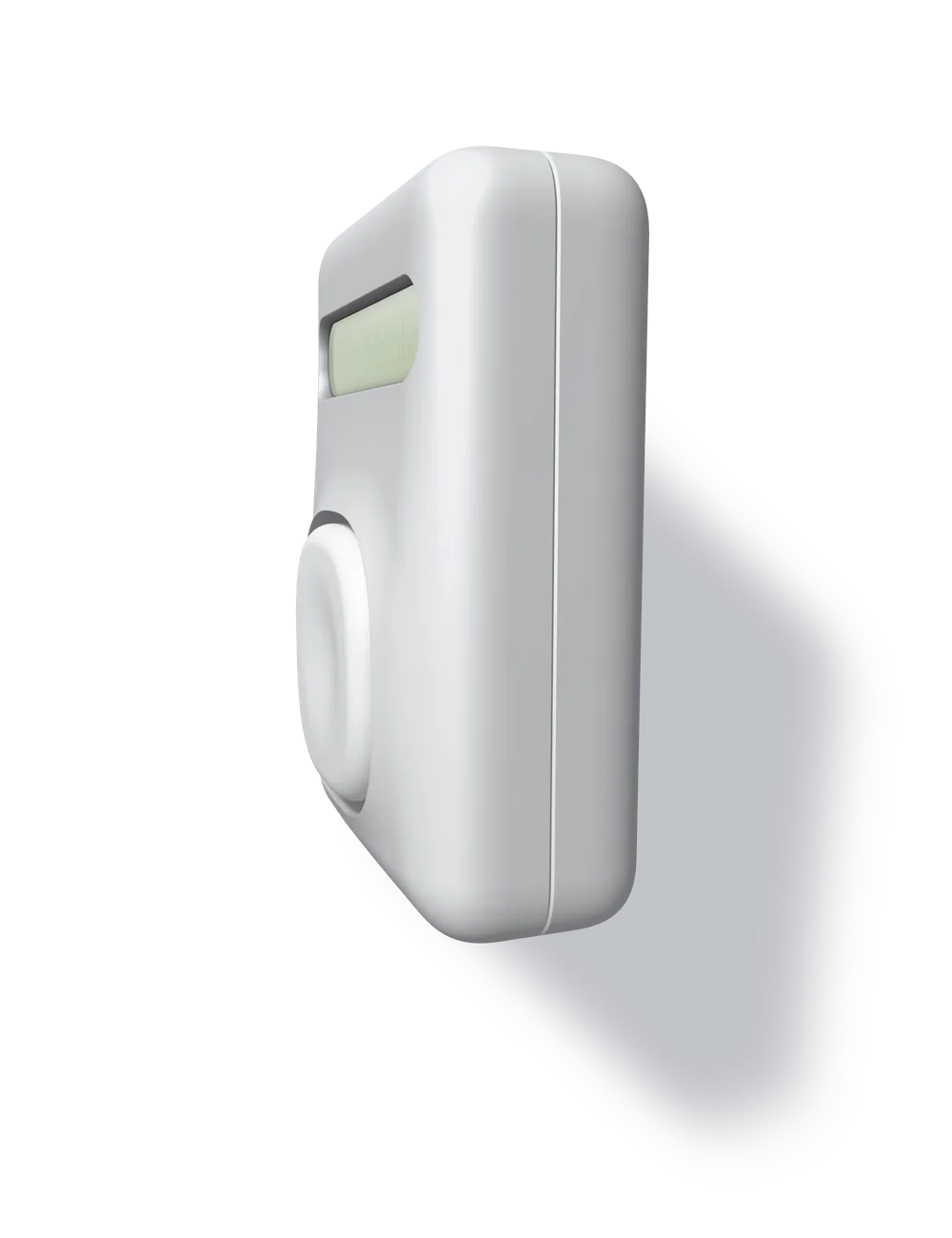
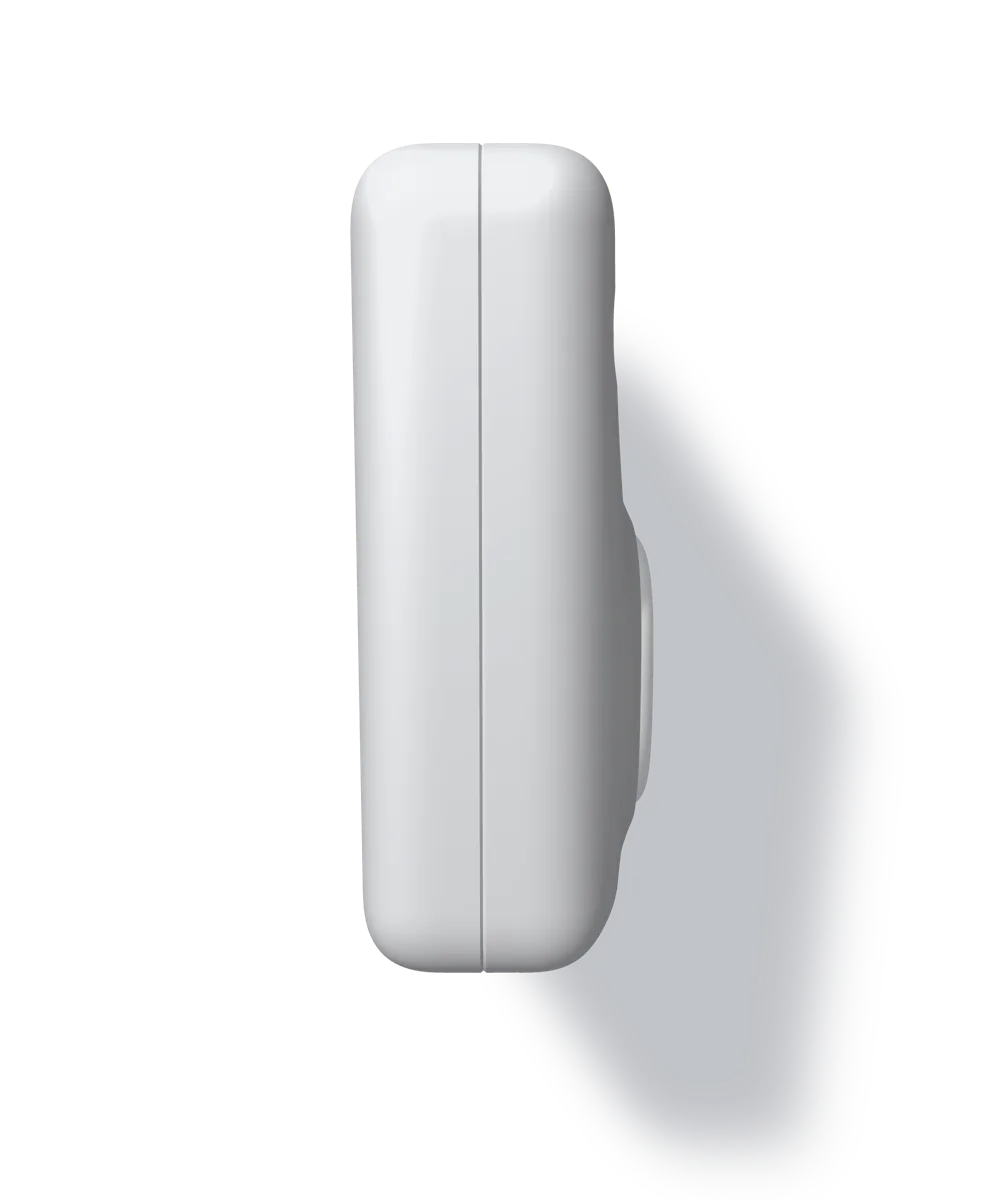
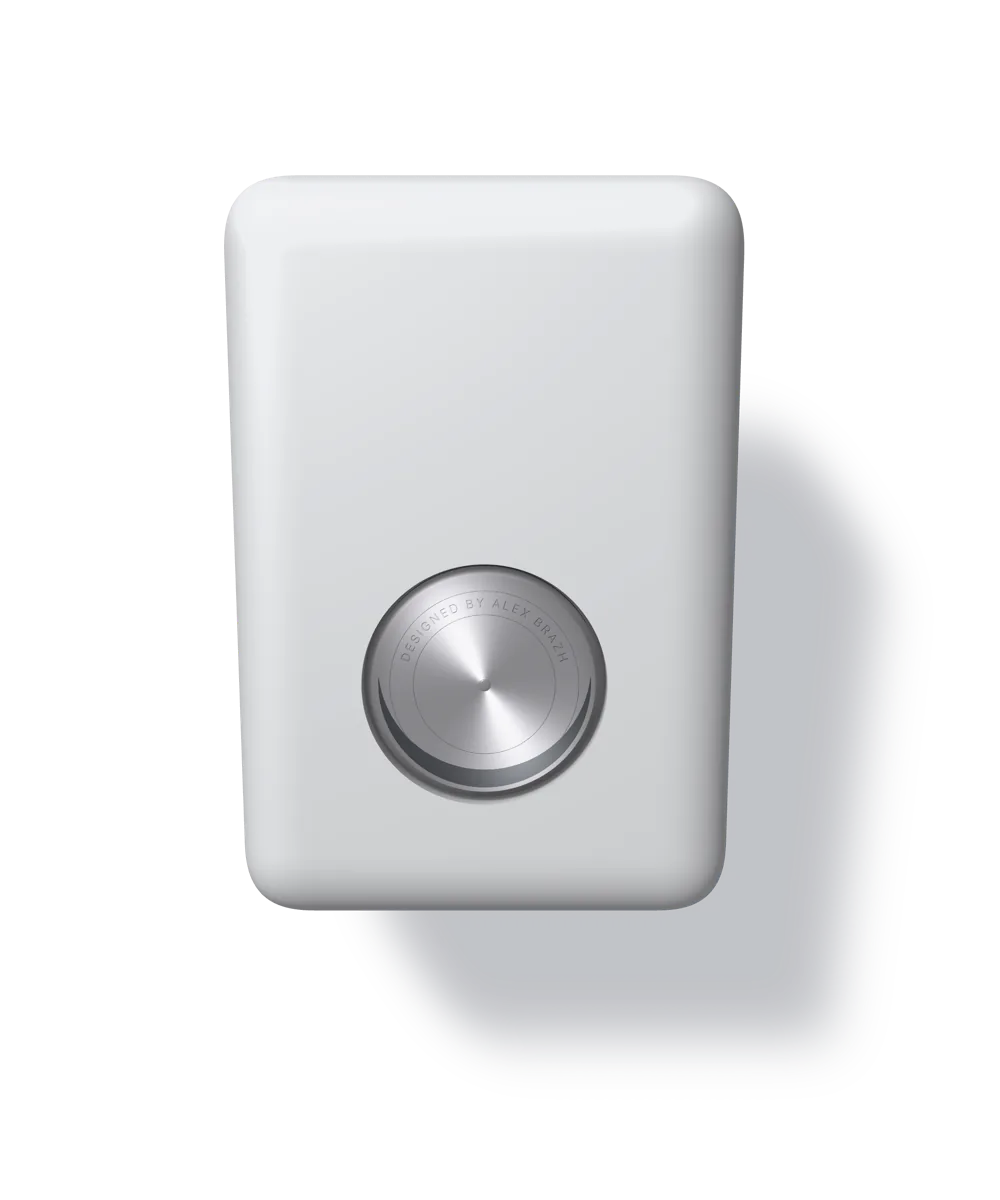
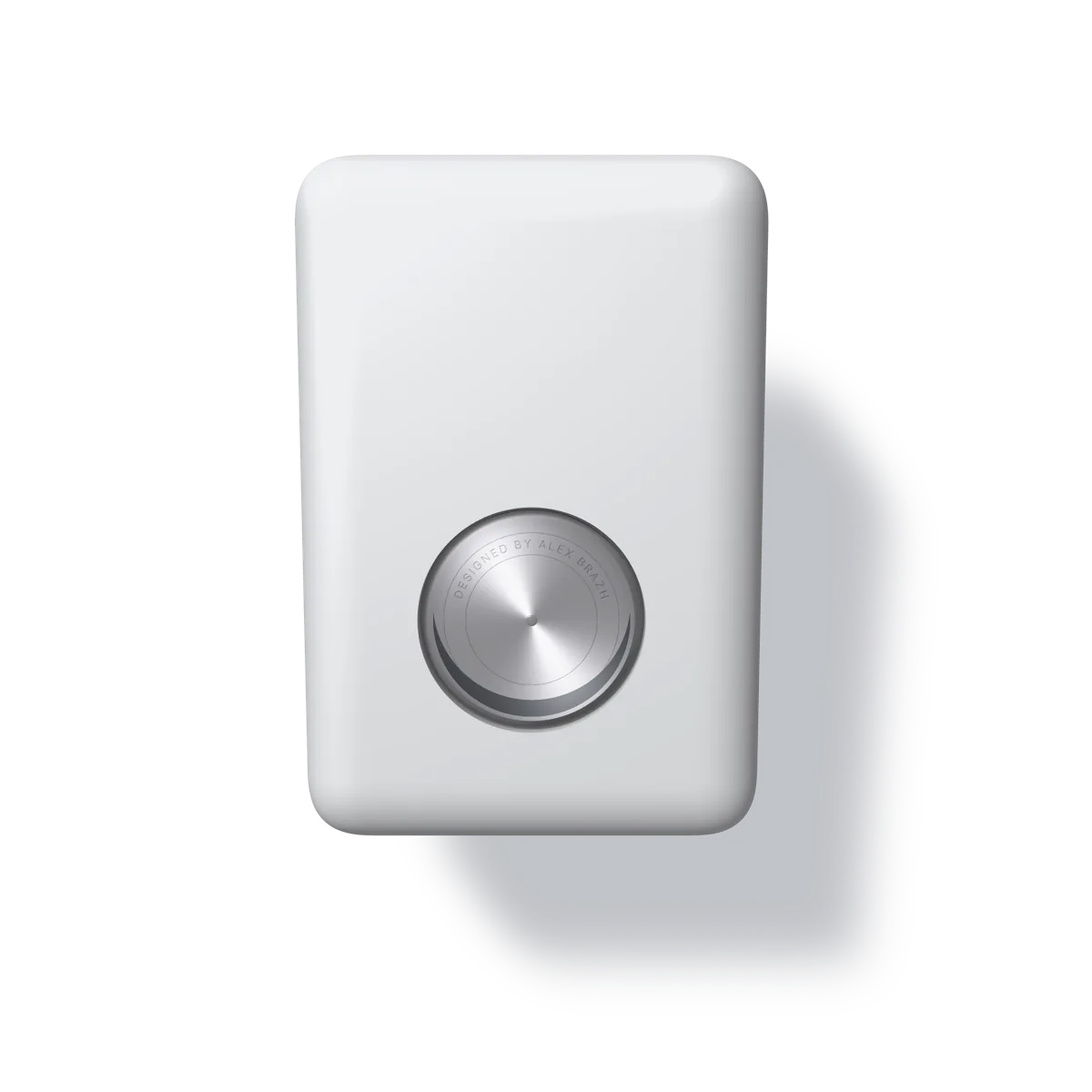
Everything on the screen is geometry, lit every frame: one key light from the top left, a soft ambient, a shadow thrown on the wall behind. Turn it over and it is all there — the rounded-over edges, the parting line round its side, the plain back with its one part.
- Rolls like a trackball under your finger.
- Flick it and it flips. It always comes to rest on a face — front or back, upright or upside down — never at a slant.
- Press on the body and it gives; let go and it floats back.
- Move the phone and it lags behind, then catches up, like something with weight.
Clicks like a switch.
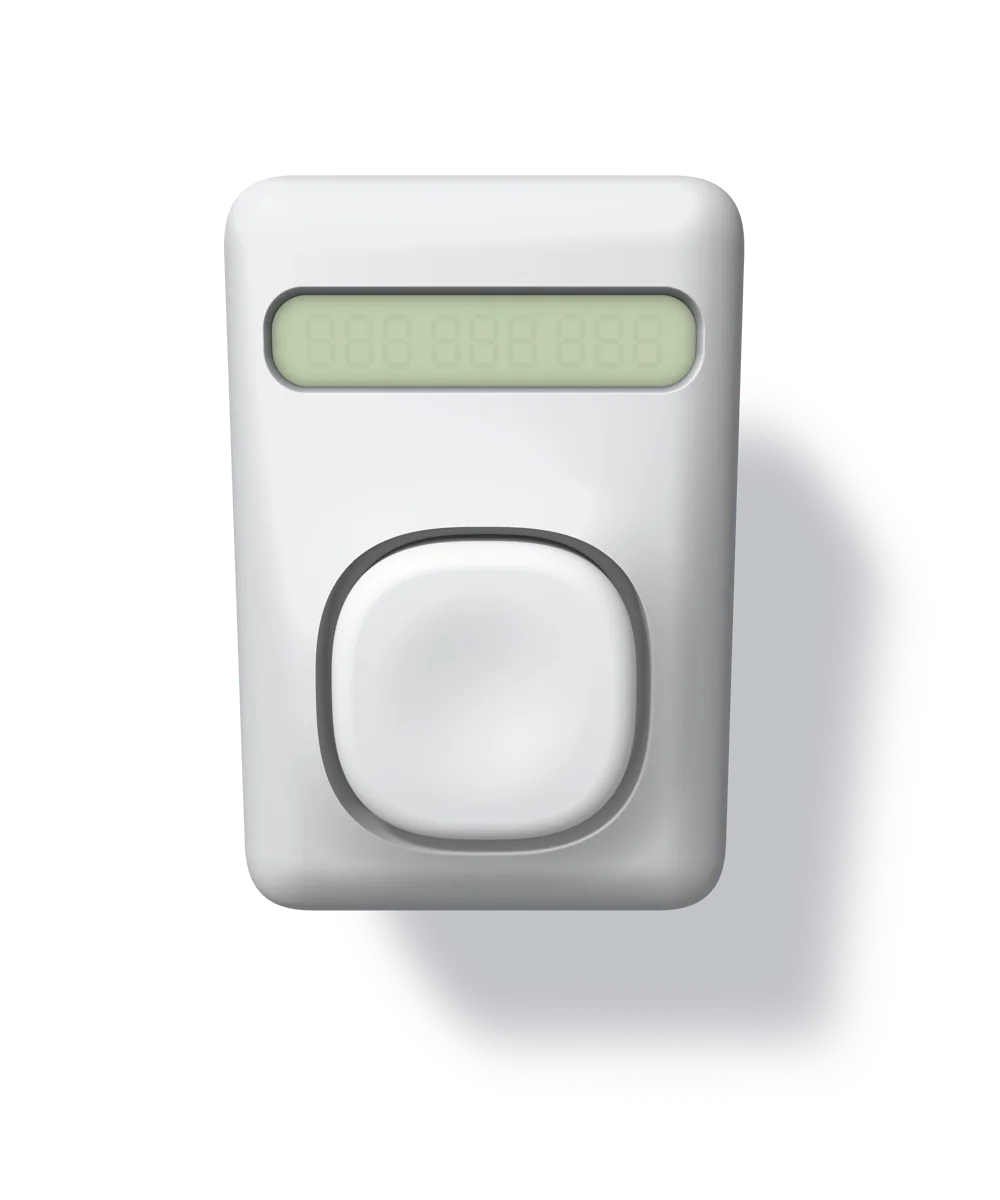
The key travels into the body and leans toward your finger. It clicks on the way down, at the actuation point, and re-arms only once it has come back past the reset point — the way a keyboard switch does. The haptic is one short, sharp tap; no rumble. A quick tap still counts. A second finger on a held key does nothing.
Try it here. Press the key: the count goes up on the way down, as it does in the app.
Your count stays in this browser.
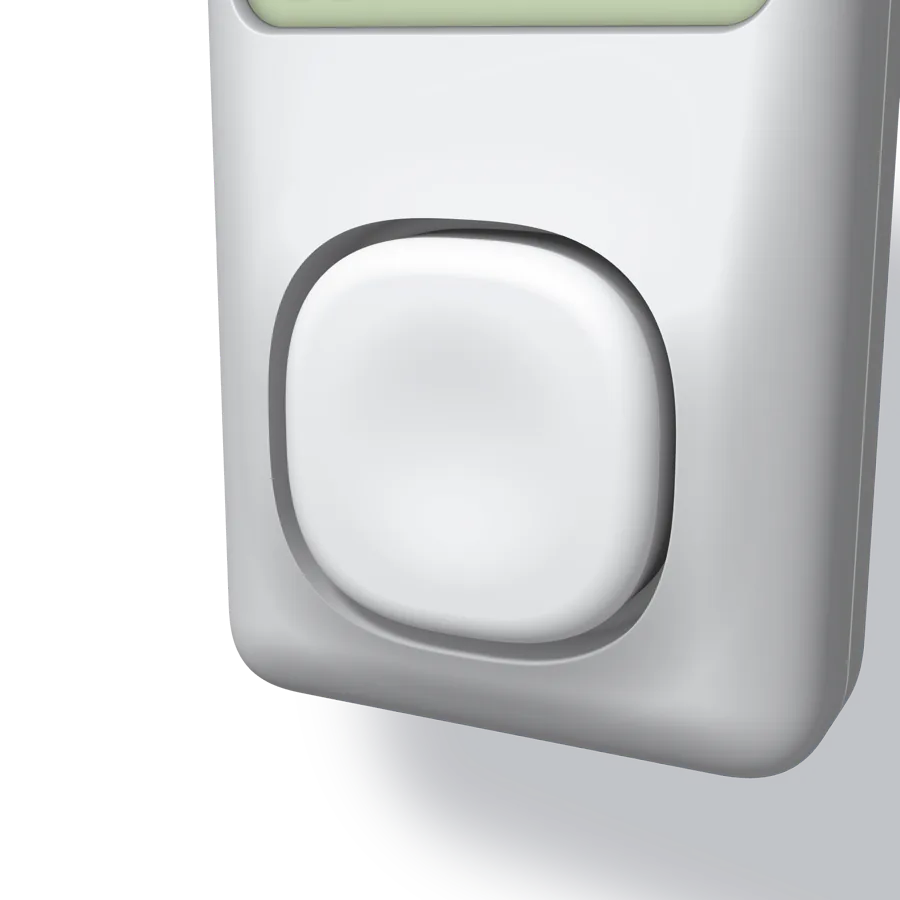
It hangs in the air. Press on it.
The object floats in front of a wall. Press on the body and it moves back and tips about its centre, the pressed side going in — and it stays there as long as your finger stays. Let go and it floats back on a spring. Its shadow slides in and sharpens as it nears the wall.
The phone is a frame that moves, and the object floats inside it with inertia: jerk the phone and it swings the other way, then catches up; turn the phone and it lags the turn; tilt it and it hangs a little with gravity.
A weight that knows which way is down.
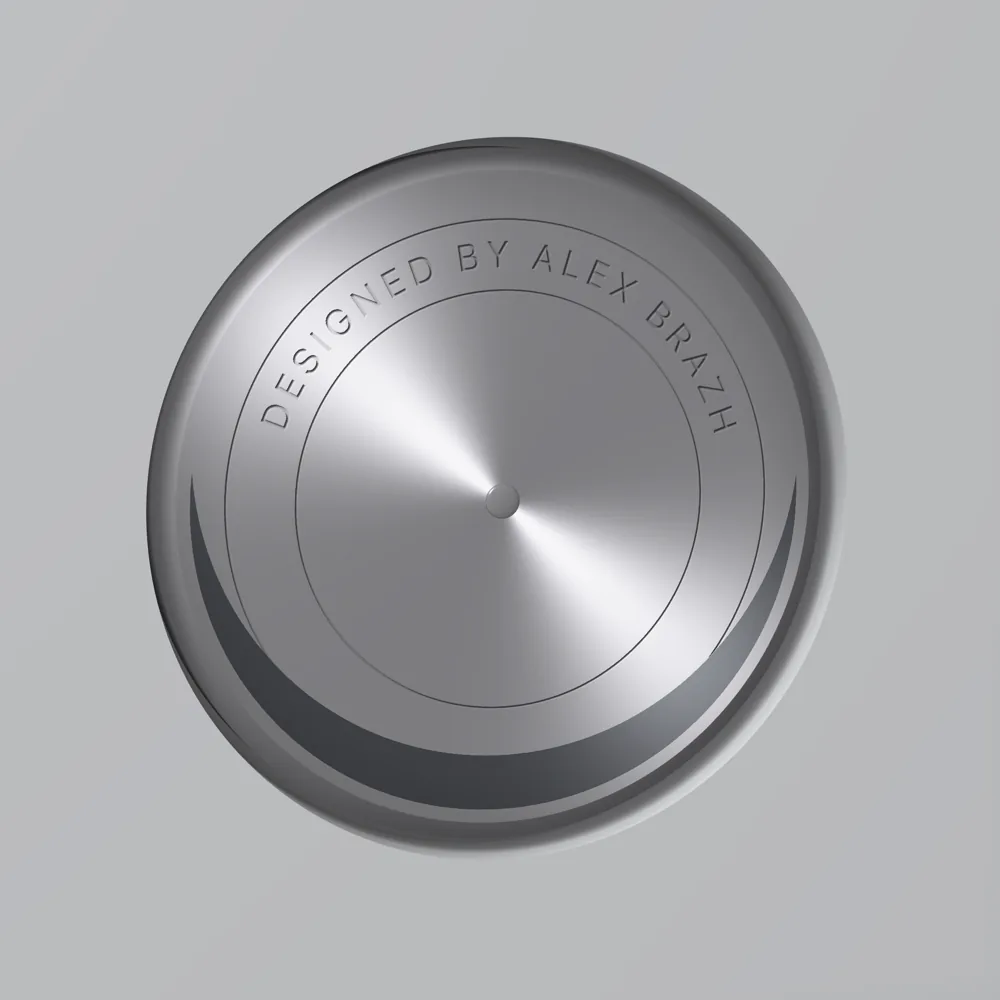
Set into the back is a brushed-aluminium disk on an axle, weighted with a crescent of dark steel. It hangs level however the object, or the phone, is turned, so its engraving always reads upright — and because it is heavy it swings past, and rings for a moment before it settles. On the play of its axle it cocks a little, and wobbles back.
Turn the object round with a finger and watch the disk stay put.
Engraved, not printed.
The label is cut into the metal as a round-bottomed groove, crisp at the rim, with its floor in shadow and the light catching one wall. The brushing is circular, so the highlight lies in two lobes that turn with the disk. The rivet at the centre is the axle's head, polished.
Designed by Alex Brazh
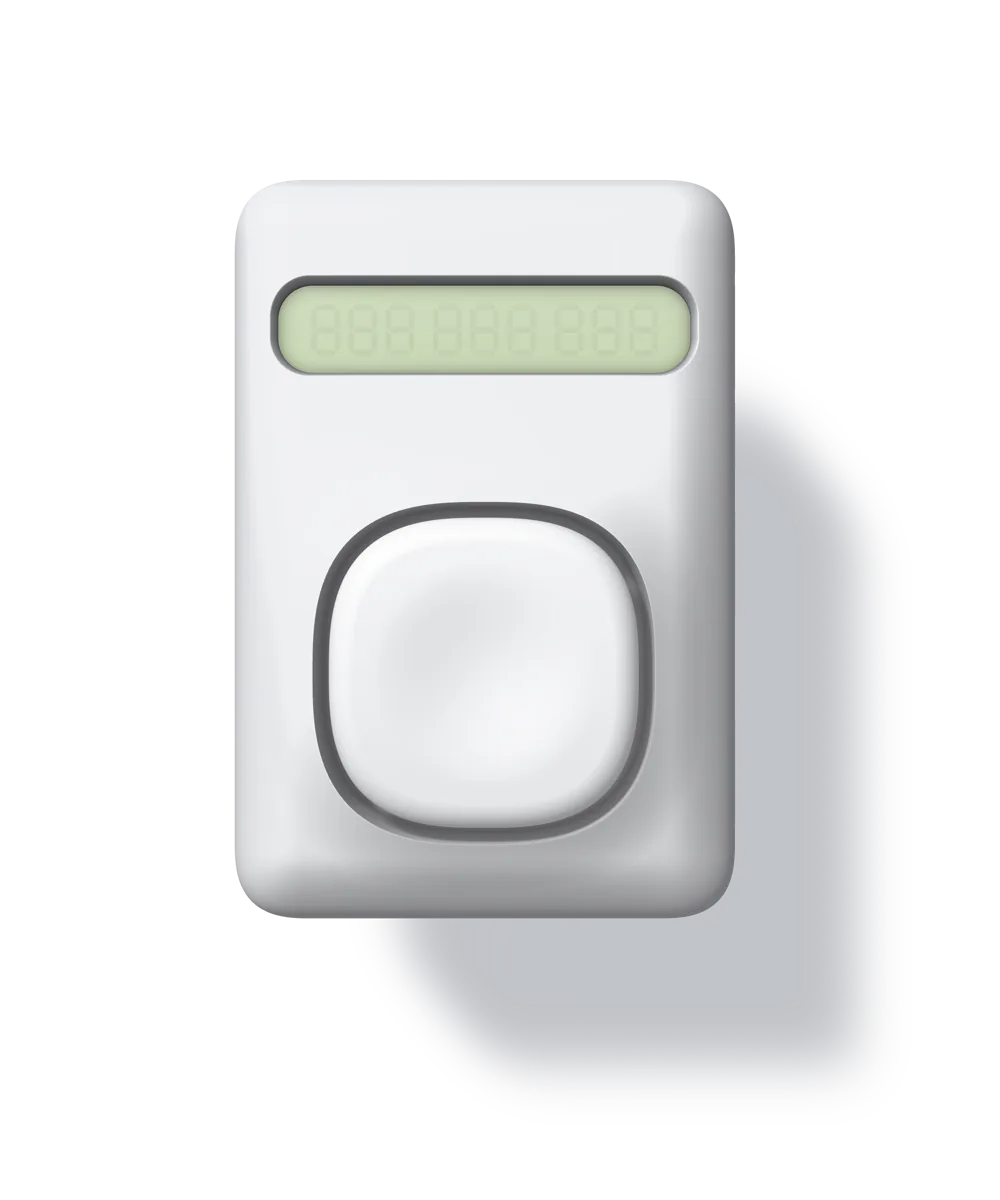
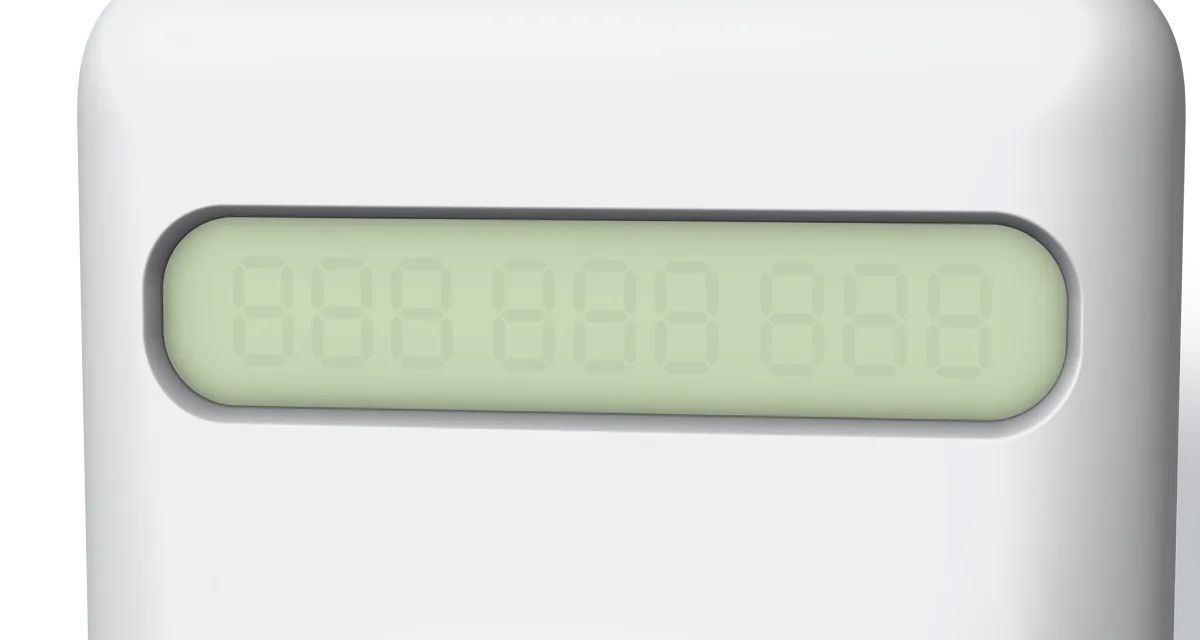
Nine digits, seven segments each.
An old-calculator LCD behind a sheet of glass fitted from inside, with the faint ghosts of the unlit segments and the digits' own shadow on the reflector. The glass carries a soft reflection that slides as the object turns. It counts to 999 999 999, then starts again.
No reset. No menus. No settings.
This is the whole app. The count is kept on your phone and in your own iCloud, and nowhere else: no account to make, no sign-in, no analytics, no ads, and no server of ours. It reads the phone's motion sensors so the object can feel the phone move, and that reading never leaves the phone.
Because it lives in your iCloud, the count follows your Apple ID. Delete the app and put it back, or move to a new iPhone, and it is where you left it; two iPhones on the same Apple ID show one count, and both add to it. A click is never lost to a reinstall.
iPhone only, portrait, iOS 17 or later.